

1. Introduction
In this challenge, the goal is to familiarize yourself with Velociraptor. For this purpose, there are several tasks introducing you to the various parts of Velociraptor. You will have to use the Notebook, create an Artifact, Labels, the Virtual Filesystem, and Hunts. Students will also get their first look at YARA rules.
2. Task 1 (Sysinternals check)
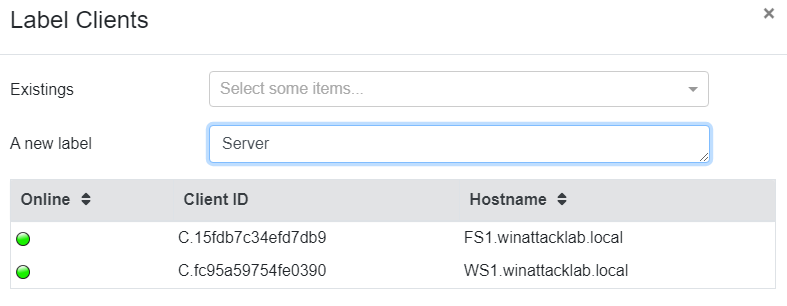
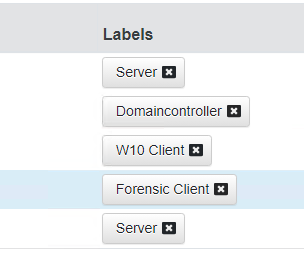
After Velociraptor is started, I’ll put a label on all the clients where the velocirpator agent is running.
2.1 Registry Search
Now that you have the Velociraptor deployment running, let’s collect some Artifacts. As you may know, Sysinternals tools create a registry key when they’re first run. On Forensic.winattacklab.local and using Velociraptor, find out which Sysinternals tools have been run by users on the system.
To demonstrate the abilities of Velociraptor, do this in three different ways:
- Manually look through the registry
- Design your own VQL query and use the Notebook
- Run a hunt on only Forensic to get the information
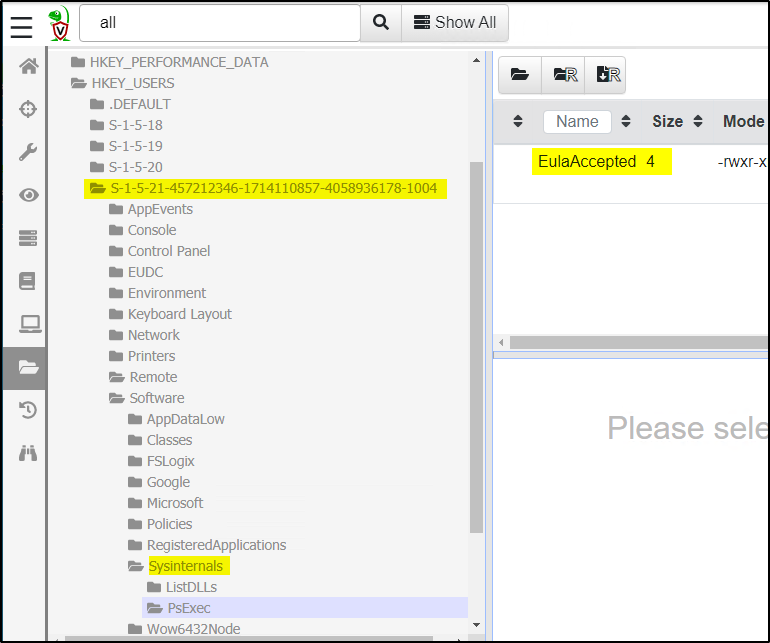
Manually look through the registry
Note: Sysinternals tools create a new registry key in the HKCU\SOFTWARE\Sysinternals
Find the username:
Username is in the ntuser.dat file. We have two different ways to find the username behind a User SID.
- Registry via hive list:
"\HKEY_LOCAL_MACHINE\SYSTEM\CurrentControlSet\Control\hivelist\"\REGISTRY\USER\S-1-5-21-1934685094-3055893784-3435983073-1004"


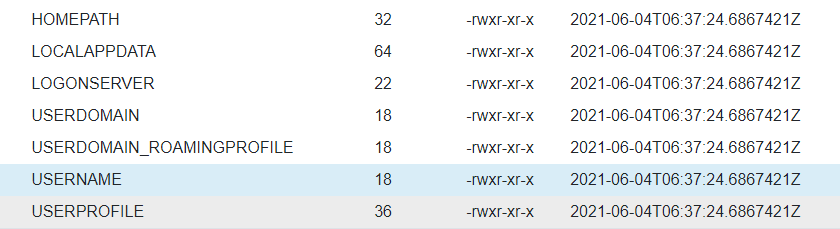
- Volatile environment:
"\HKEY_USERS\S-1-5-21-1934685094-3055893784-3435983073-1004\Volatile Environment\USERNAME"

Using the notebook to create a manual VQL Query

LET users <= SELECT Name, UUID
FROM Artifact.Windows.Sys.Users()
SELECT
Name,
FullPath,
{
SELECT Name FROM users WHERE UUID=regex_replace(
source=FullPath, re=".+\\\\(S-[^\\\\]+)\\\\.+", replace="$1")
} as User
FROM
glob(globs="HKEY_USERS/*/Software/Sysinternals/*", accessor="reg")
LIMIT 10
Result:

Run a hunt
It’s much easier to use an existing artifacte like Sysinternals.eulacheck !
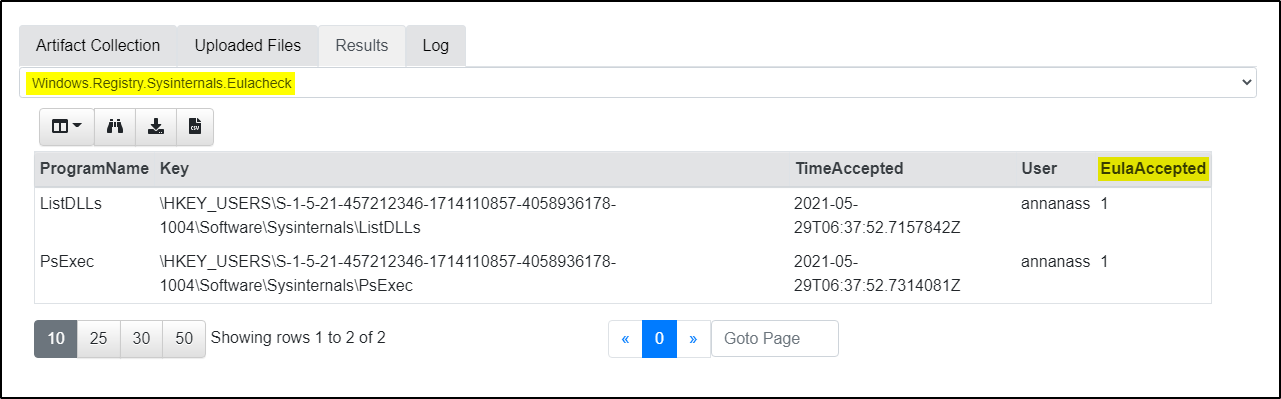
Note: User is annanass
3. Task 2 (Yara Hunt)
You know that a malicious binary is running on Forensic. All that is known about the process is that it contains the string IAmUndetectable. From that, the following YARA rule can be created:
rule DetectMalware {
    strings: $search_string = "IAmUndetectable"
    condition: $search_string
}
I’ll check the library of existing artifacts first:
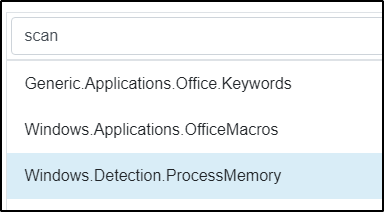
Windows Detection.ProcessMemory catched my attention. Let’s have a closer look on this:

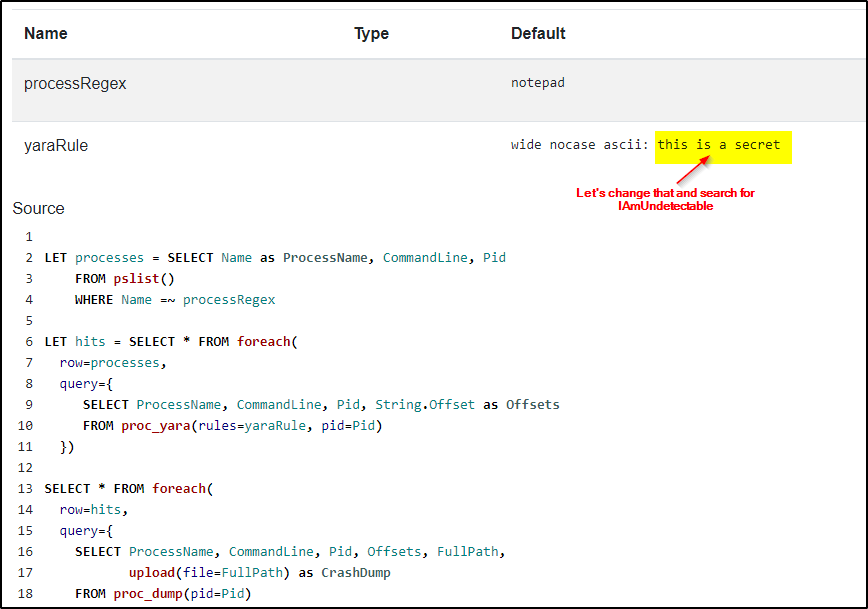
Try the hunt:
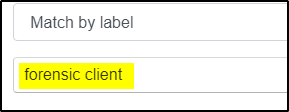
Select Forensic Client:
Select Rule:
Set Options:

Run it:
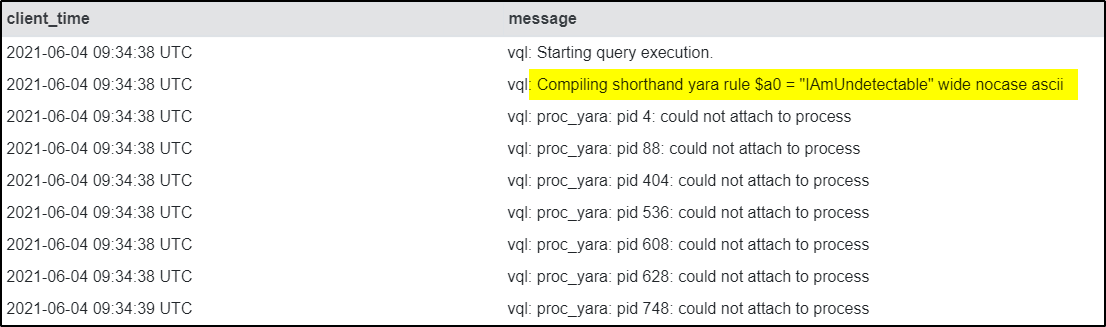
After starting the hunt I can see several errors in the LOG:
(could not attach to process)
I did not stop the hunt and later I could see some results from several process dump files:
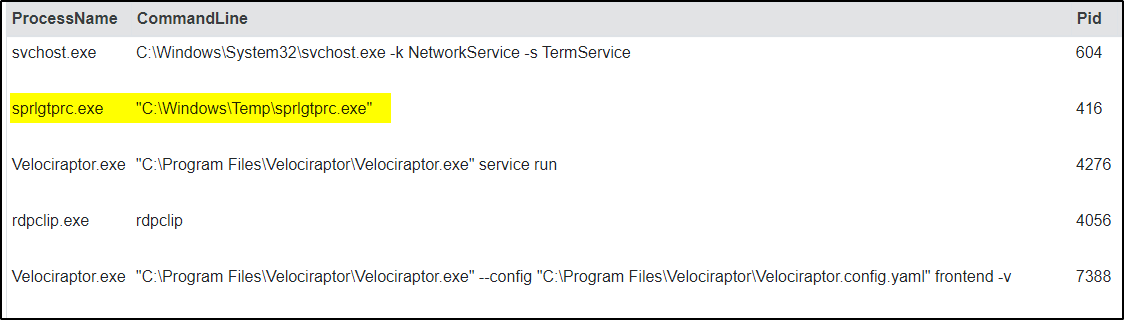
sprlgtprc.exe executed from C:\Windows\Temp looks suspiscious to me!