This challenge is all about gathering information from publicly available sources (OSINT), mainly focusing on social media platforms.

Your goal is to break into the web mail account of the CEO of a fictional company called Hermann Consulting AG. To start, you are provided with the following information:
- Name: Konrad Hermann
- Mail: konrad.hermann@heco.ch
- Webmail URL: Please start the
WebmailDocker container in the Resources section of this challenge to find the URL
Once you have successfully logged in, the flag will be displayed to you.
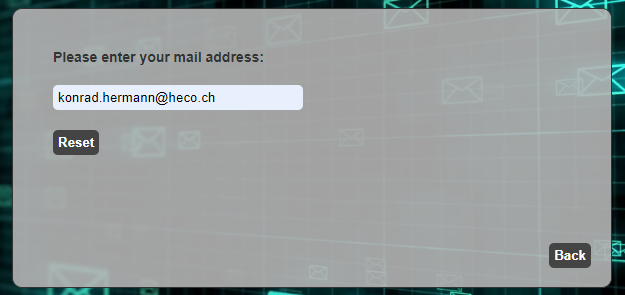
When you access the web mail of Hermann Consulting AG, you will find that it offers a Forgot Password functionality. Let’s check how this works for the address konrad.hermann@heco.ch
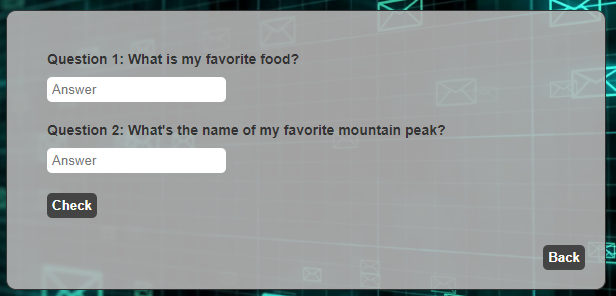
To reset the password, you will have to answer two questions:
Starting the investigation
We’ll begin our search on Twitter. Open the Twitter Search page in a browser and search for "Konrad Hermann":
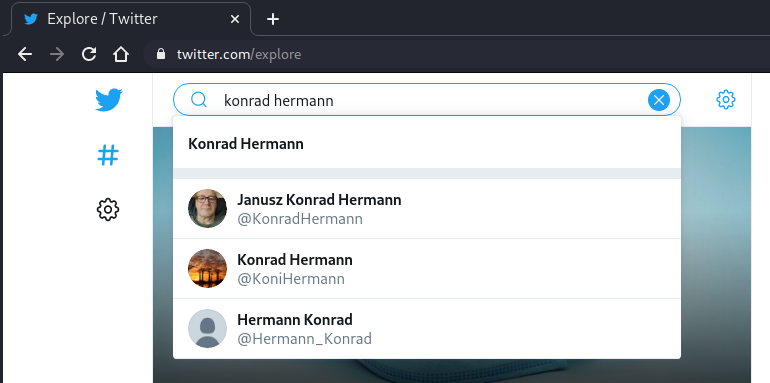
In the result, switch to the People tab and look for the user with the handle @KoniHermann
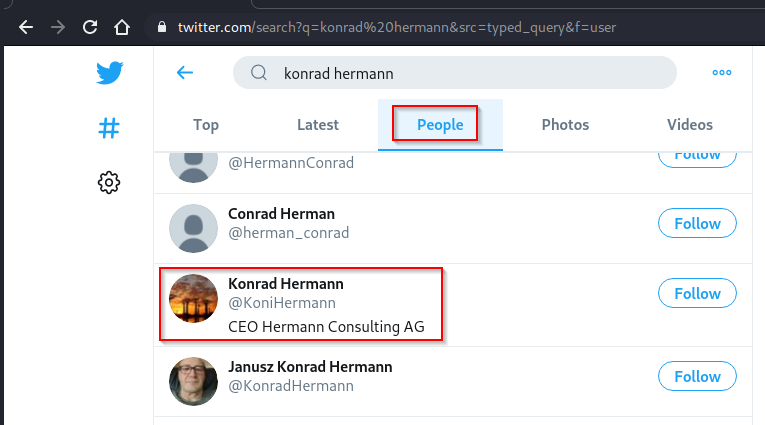
According to the user’s profile, this is indeed the CEO of Hermann Consulting AG. However, his profile does not yield any useful information at this time.
From twitter to facebook
As Twitter seems to be a dead-end at the moment, we’ll have to look at other platforms. Next up is Facebook.
First, let’s search for users named "Konrad Hermann" on Facebook. This can be done without an account by simply typing facebook konrad hermann into Google:
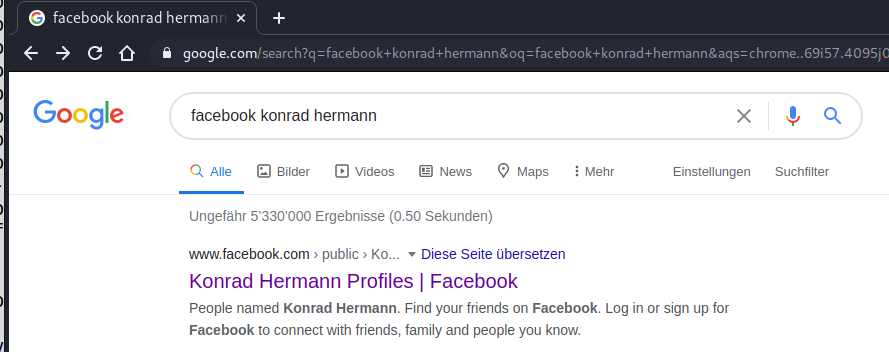
One of the first results should lead you to a page with all accounts on Facebook named "Konrad Hermann" (or some variation thereof):
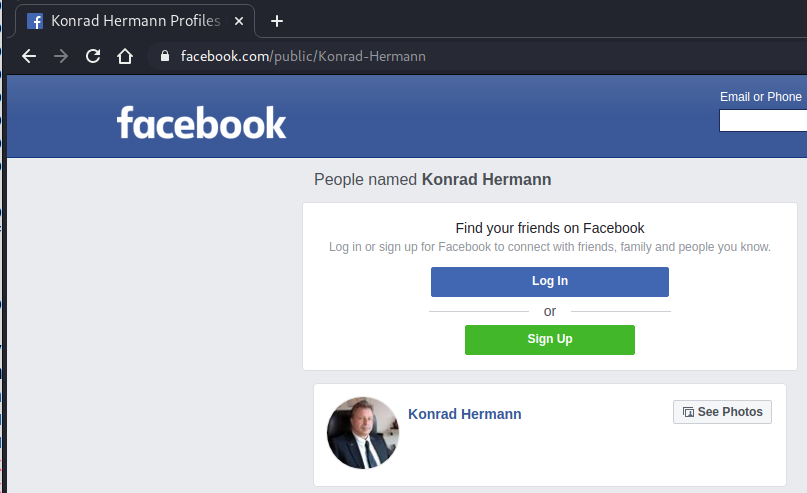
When you scroll down, you should eventually find a profile that uses the same picture as the Twitter account of Konrad Hermann:
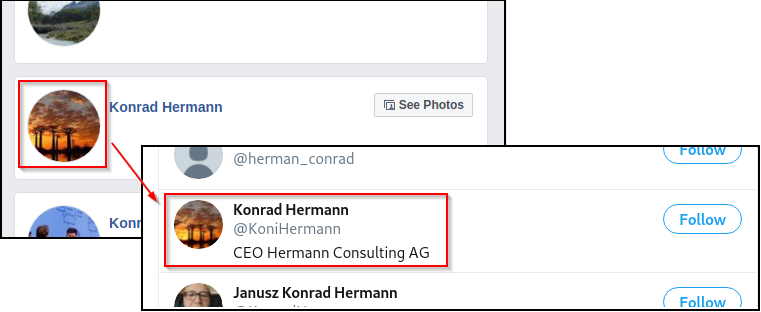
There’s a high probability that this is actually the same user.
At this point, you’ll need a Facebook account to look at the details of the user. You can either use your personal account or create a temporary one for this challenge. After you have logged in, look at the profile of Konrad.
While Konrad is rather cautious with publishing personal data, you can still find some promising information about his relationship:
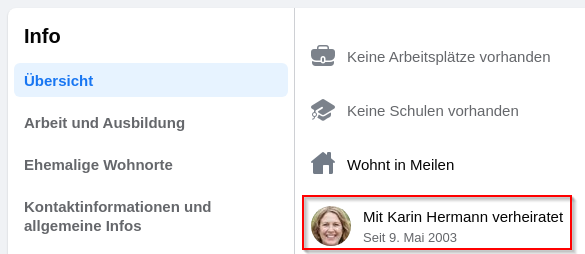
Let’s check out the profile of his wife, Karin Hermann. You’ll notice that she publishes a bit more information than her husband. Among other things, you’ll find a picture of some delicious sushi, she made for her husband’s birthday:
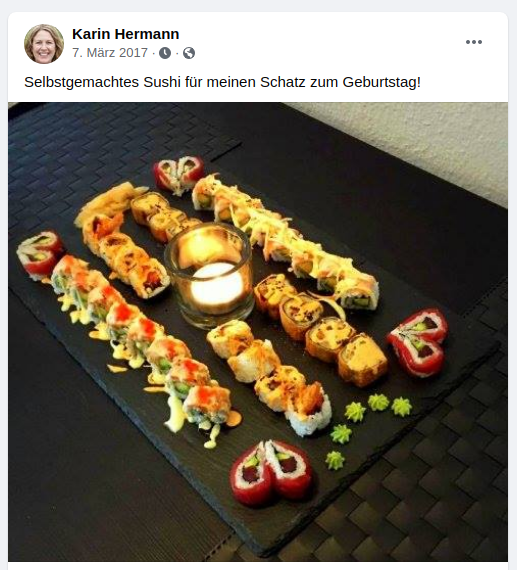
Let’s note this down for later. Q1: What is my favorite food?
Besides this information, you’ll also see that Karin Hermann is friends with Michael Keller, who is a fan of climbing (judging by his profile picture):
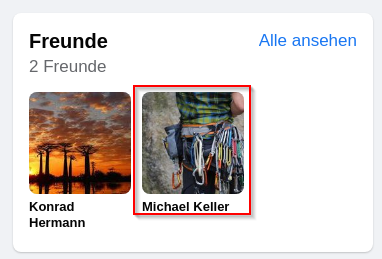
By looking at the profile of Michael Keller, you’ll notice two important things.
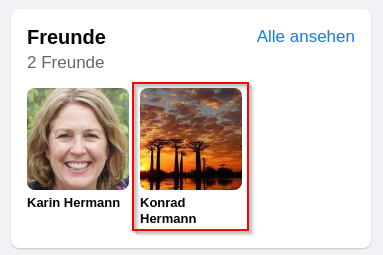
First, he is also friends with Konrad Hermann (this link was not available from Konrad, as he has hidden information about his friends):
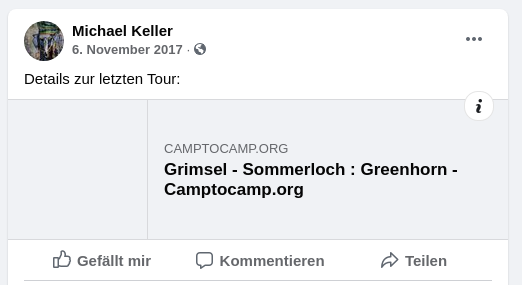
Second, his last post is about a climbing tour, referencing a social media site for mountain sports called https://www.camptocamp.org/:
Camptocamp Investigation
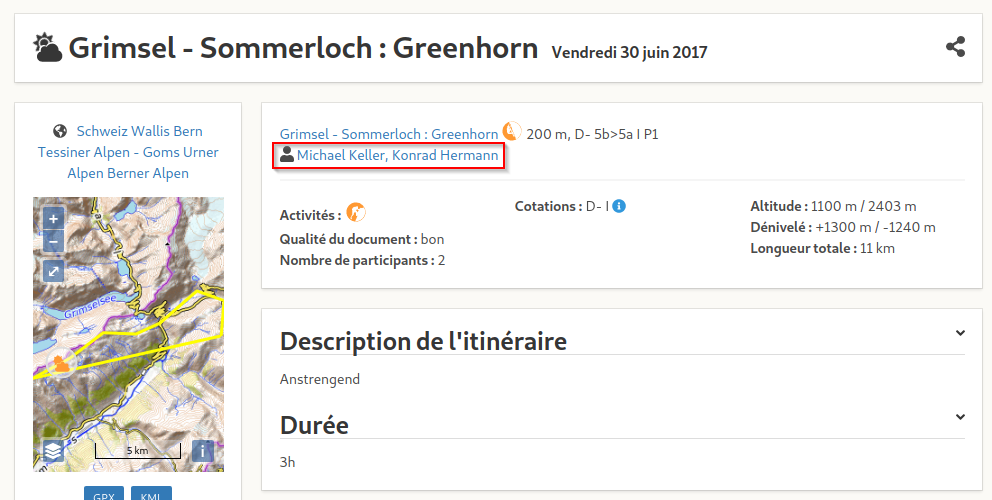
When opening the link posted by Michael Keller, you’ll see some details about a climbing route. As you can see, the participants were Michael Keller and Konrad Hermann:
We now have the profile of Konrad Hermann on this website. To see his details, you’ll need to create an account and log in however.
On the profile of Konrad Hermann, you’ll see that Konrad has posted two camping routes (including the one with Michael Keller). The other one shows a picture of a mountain top:
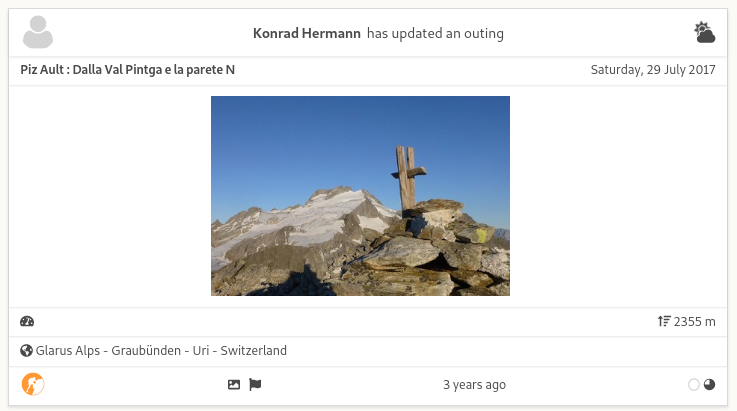
If you look at the details of this route, you’ll see that Konrad stated this was his favorite one:

Q2: What is my favorite moutain peak?
The Camptocamp website actually shows you on the small map of the route where the picture was taken:
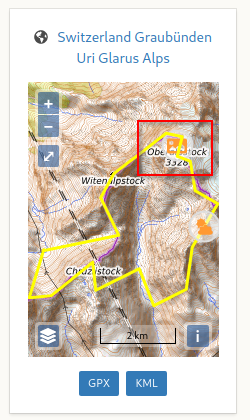
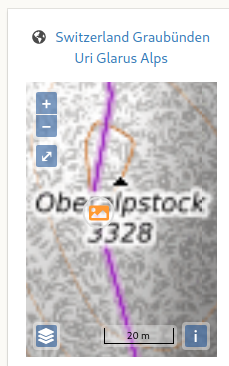
When you zoom in on the map, you’ll find that the mountain is called "Oberalpstock" (although it’s a bit hard to read with the overlay information):
Second method: Exif Data in pictures
Picture often contain GPS information from the place they were taken. To find this information, download the picture to your system and inspect it with a tool like exiftool. You should find the GPS coordinates:
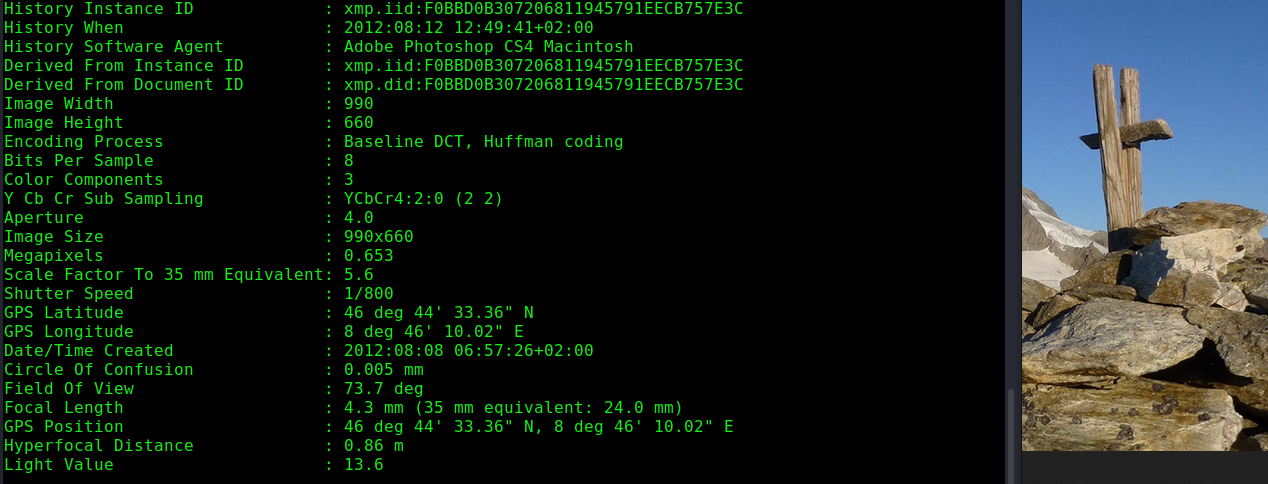
Those coordinates can now be used on any map to pinpoint the location of the picture. For example, go to https://map.geo.admin.ch and enter the following expression in the search bar:
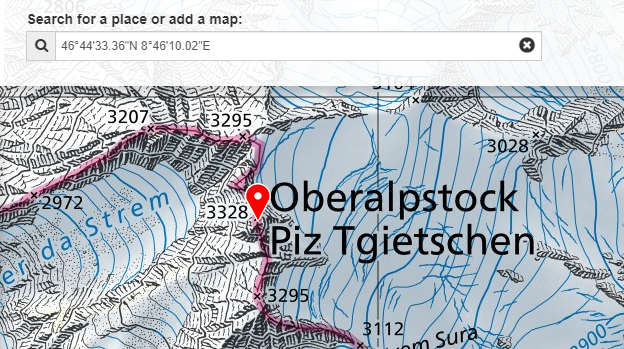
You should again find the Oberalpstock 🙂
Verify information:
Now that you have collected both pieces of information, navigate again to the web mail (restart the docker in the Resource section if it has expired), and star the password reset for konrad.hermann@heco.ch
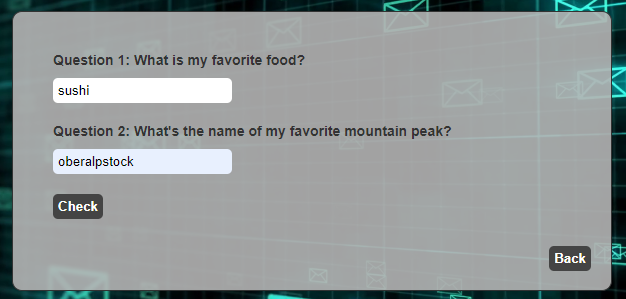
Enter the answers sushi and oberalpstock for the respective questions and click on Check: