

1. Introduction
Given is a step by step introduction howto solve the CrackMeSimple.apk by modifying the code.
This exercise will also give you a short introduction howto use the tools apktool, apksign and adb.
2. Solving the tutorial
Actually I did setup two emulator Devices in Android studio.
./emulator -list-avds
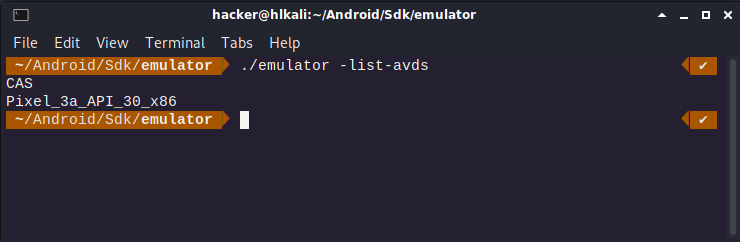
(I’ll use a Nexus 5 Device with Android 6 Marshmallow)
Install CrackMeSimple.apk on Device:
adb install CrackMeSimple.apk

The app was successfully installed on the virtual device:

After starting the app we see a login prompt and we need to find a way to bypass it.
Unpack the apk package:
apktool d CrackMeSimple.apk
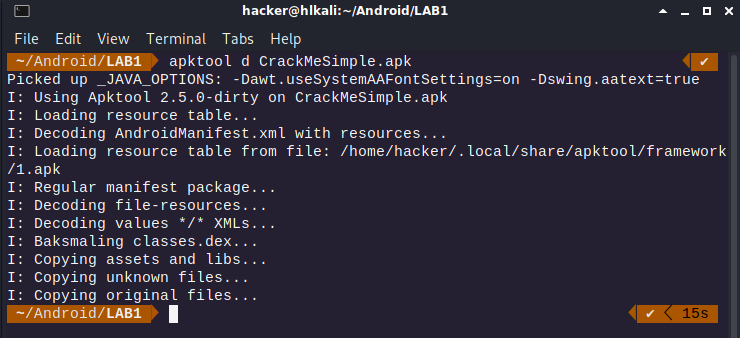
We can either analyse the smali code or open the package with jadx-gui

There is a string compare of the password validation:
(Let’s try to change the condition from p1 to p0)

I did run into error after trying to rebuild the package.
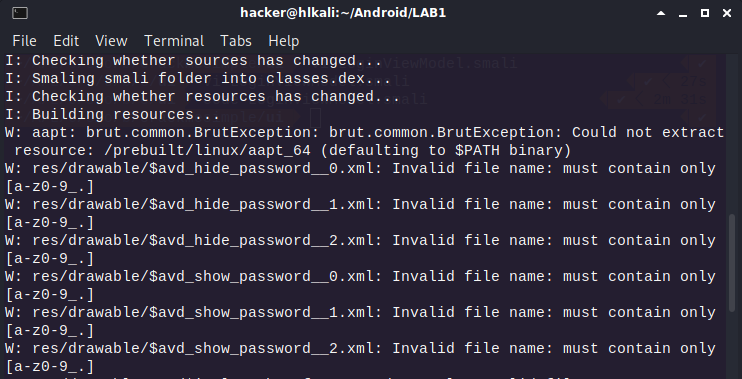
Let’s try to unpack the CrackMeSimple.apk again:
apktool d -f -r CrackMeSimple.apk
Change the condition above and try to rebuild again. Now it works!
apktool b CrackMeSimple.apk
Before I can install the package on the phone, I need to sgin the package.
Generating a key for signing:
keytool -genkey -v -keystore my.keystore -alias example -keyalg RSA -keysize 2048 -validity 10000
apksigner sign -ks my.keystore LAB1/CrackMeSimple/dist/CrackMeSimple.apk
adb install CrackMeSimple.apk

Flag: HL{R3v3rsing.FUN}